

Build a Guitar Practice App
Organize songs, slow down hard passages, and turn scattered practice into a routine that fits your goals.
Author:Moldable
Category:Music
Song libraryVariable playbackPractice courses

1
Bring in what you want to play
Import a MIDI file, organize it with the rest of your library, and set a comfortable starting tempo.
Turn this MIDI file into a guitar practice lesson. Start it at 60% speed, divide it into sections, and put it in a folder called "Songs for the set."
2
Work section by section
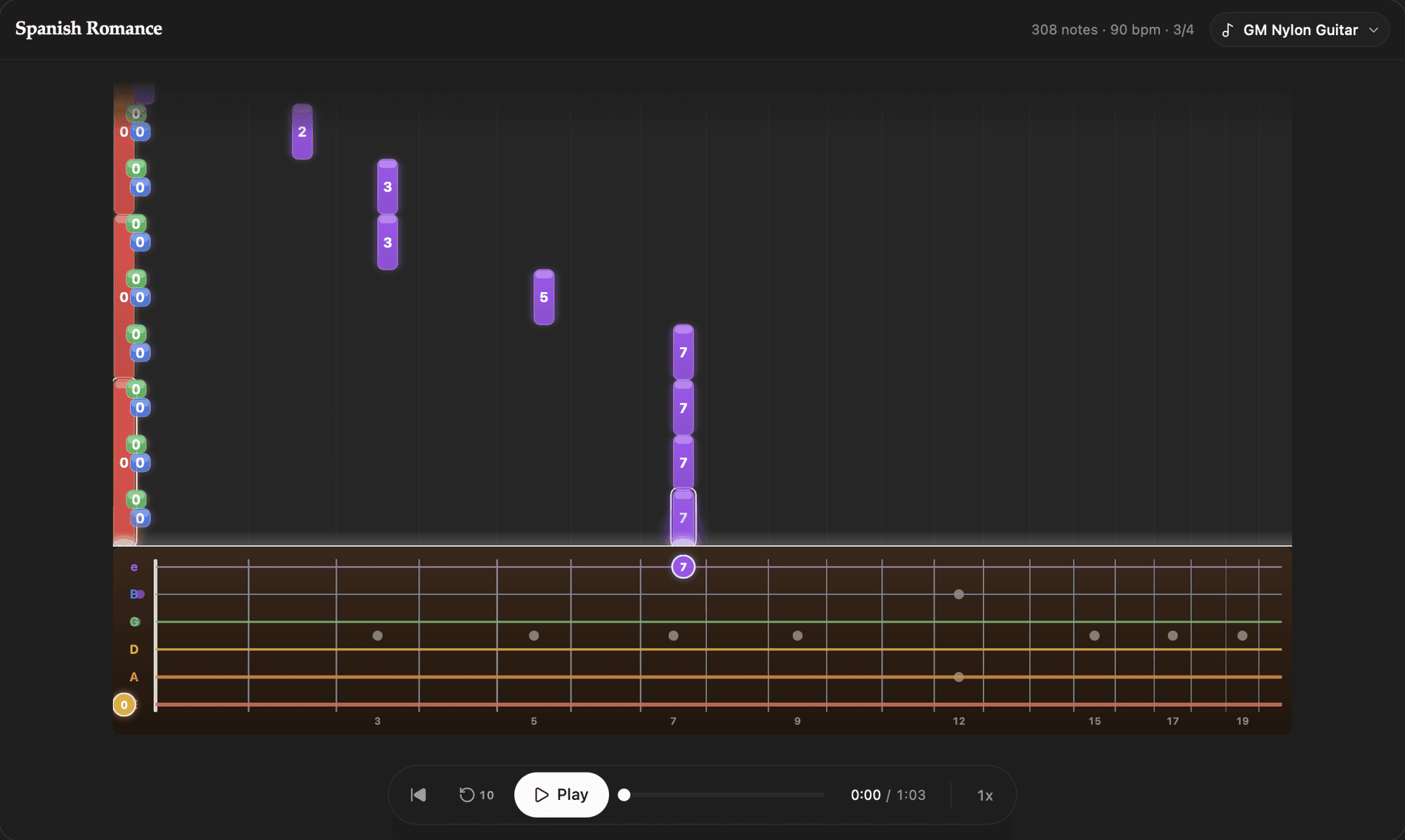
Scrub to the hard part, slow it down, and use the falling-note view to see what is coming next.
Loop the change
Create a drill for the transition into the chorus and restart it after each pass
Build up speed
Make a tempo ladder for this section: 50%, 65%, 80%, then full speed
3
Shape a practice course
Turn one song or a whole skill into short lessons with progress you can return to.
Prepare for a show
Create a two-week course for these five songs, with the weakest sections scheduled most often
Simplify the screen
Add a distraction-free practice mode with only playback, speed, and the current section
4
Own your library
Your songs, sounds, folders, and progress stay in your local Moldable workspace. Guitar needs no account or external service.
Ready to build your own?
Download Moldable and start creating apps that work exactly the way you want.
Download Moldable