

Create and Publish an AI Presentation
Turn rough notes into a polished deck, revise it through conversation, and share it as a link when it is ready.

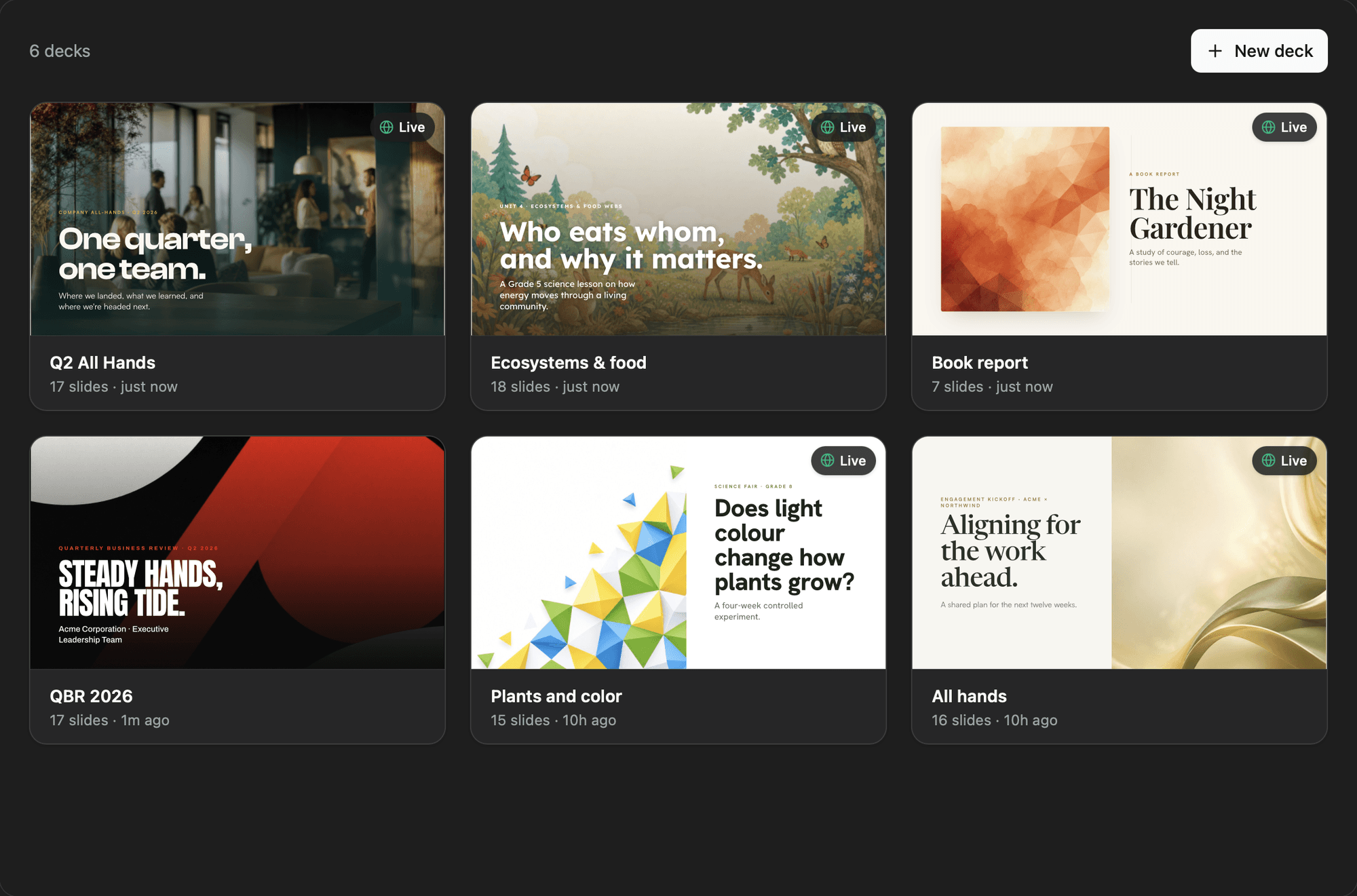
Start with the story
Paste your notes and tell Moldable who the deck is for, what they should understand, and what you want them to do next.
Turn these launch notes into an eight-slide presentation for our team. Lead with the customer problem, show the new workflow, and end with owners and next steps. Keep it direct and visual.
Review the real deck
Move through the 16:9 slides, test builds and motion, and make precise changes without rebuilding everything.
Tighten the copy
Cut every slide to one headline and no more than three supporting points
Change the sequence
Move the customer story before the product demo and update the transition between them
Make it fit the moment
Ask for a different visual system, an interactive element, or a shorter version for another audience.
Add a useful interaction
Turn the pricing comparison into a sortable table people can use during the presentation
Create an executive cut
Make a five-slide version for leadership while keeping the original deck
Present or publish
Present fullscreen from your Mac, or publish an unlisted Artifacts link that reflows cleanly on mobile. Nothing is uploaded until you choose to publish.
Ready to build your own?
Download Moldable and start creating apps that work exactly the way you want.
Download Moldable