

Build and Publish an Interactive Website
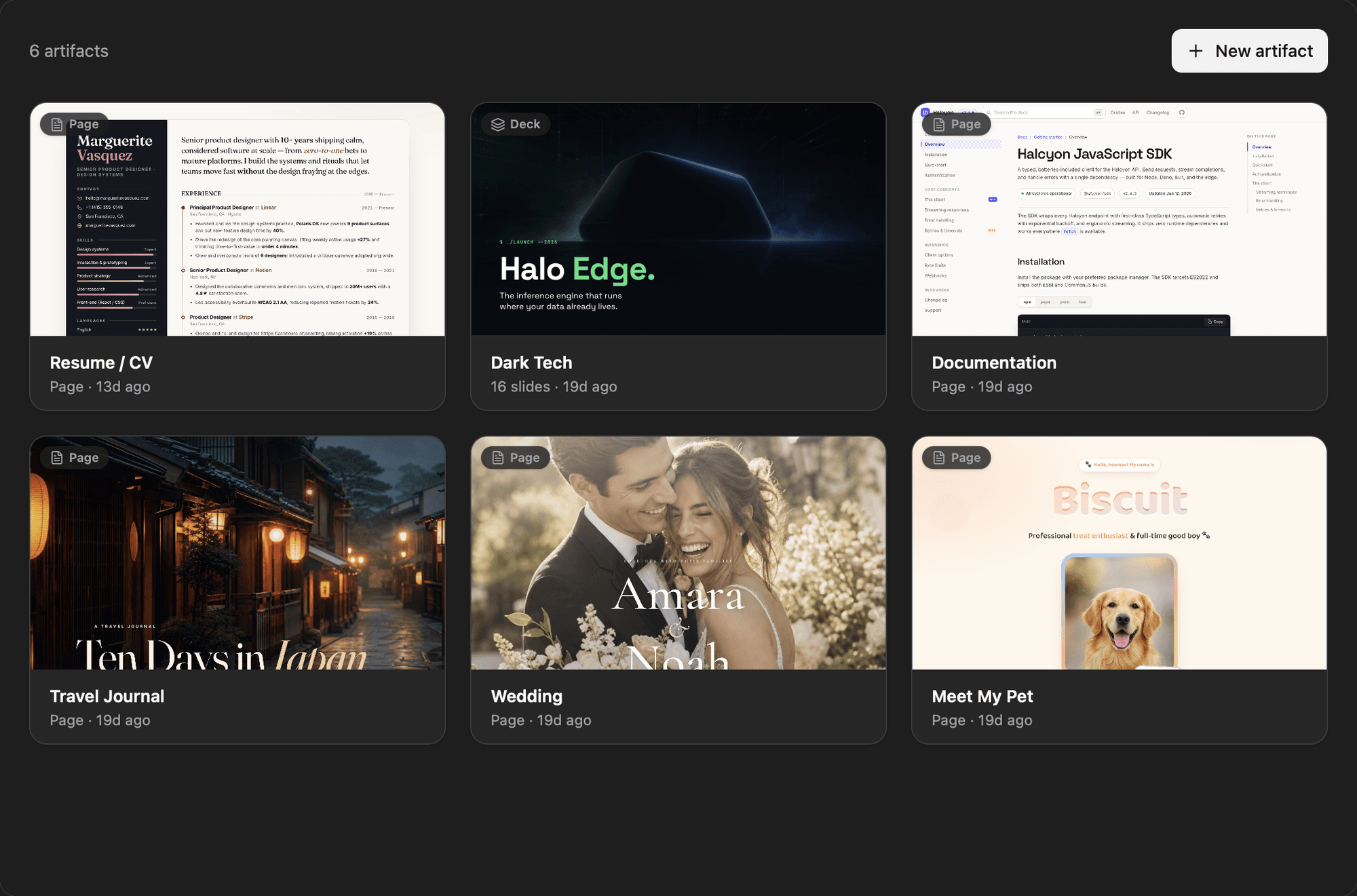
Turn an idea or conversation into a polished interactive page you can refine, preview, and share with a link.
Author:Moldable
Category:Creative
Interactive pagesLive previewShareable link

1
Describe the experience
Explain who the page is for, what they should understand, and what they should be able to do.
Create an interactive trip journal with a map, a day-by-day timeline, photo placeholders, and a section for places I recommend.
2
Shape it in the preview
Review the working page as Moldable builds it. Ask for direct changes to the layout, content, and behavior.
Refine the hierarchy
Make the map the main visual, tighten the timeline, and move recommendations into cards at the end.
Add interaction
Let visitors select a day on the map to reveal its photos and notes.
3
Check the finished page
Preview the artifact at different sizes and make sure links, controls, and important content work before sharing it.
4
Publish when it is ready
Publish the artifact to get a shareable link. Keep iterating in Moldable and publish an updated version when the page changes.
Ready to build your own?
Download Moldable and start creating apps that work exactly the way you want.
Download Moldable