

Build an AI Email Assistant for Gmail
Turn a crowded Gmail inbox into a focused list of what needs a reply, a decision, or no attention at all.
Author:Moldable
Category:Productivity
GmailFast triageKeyboard shortcuts

1
Connect your inbox
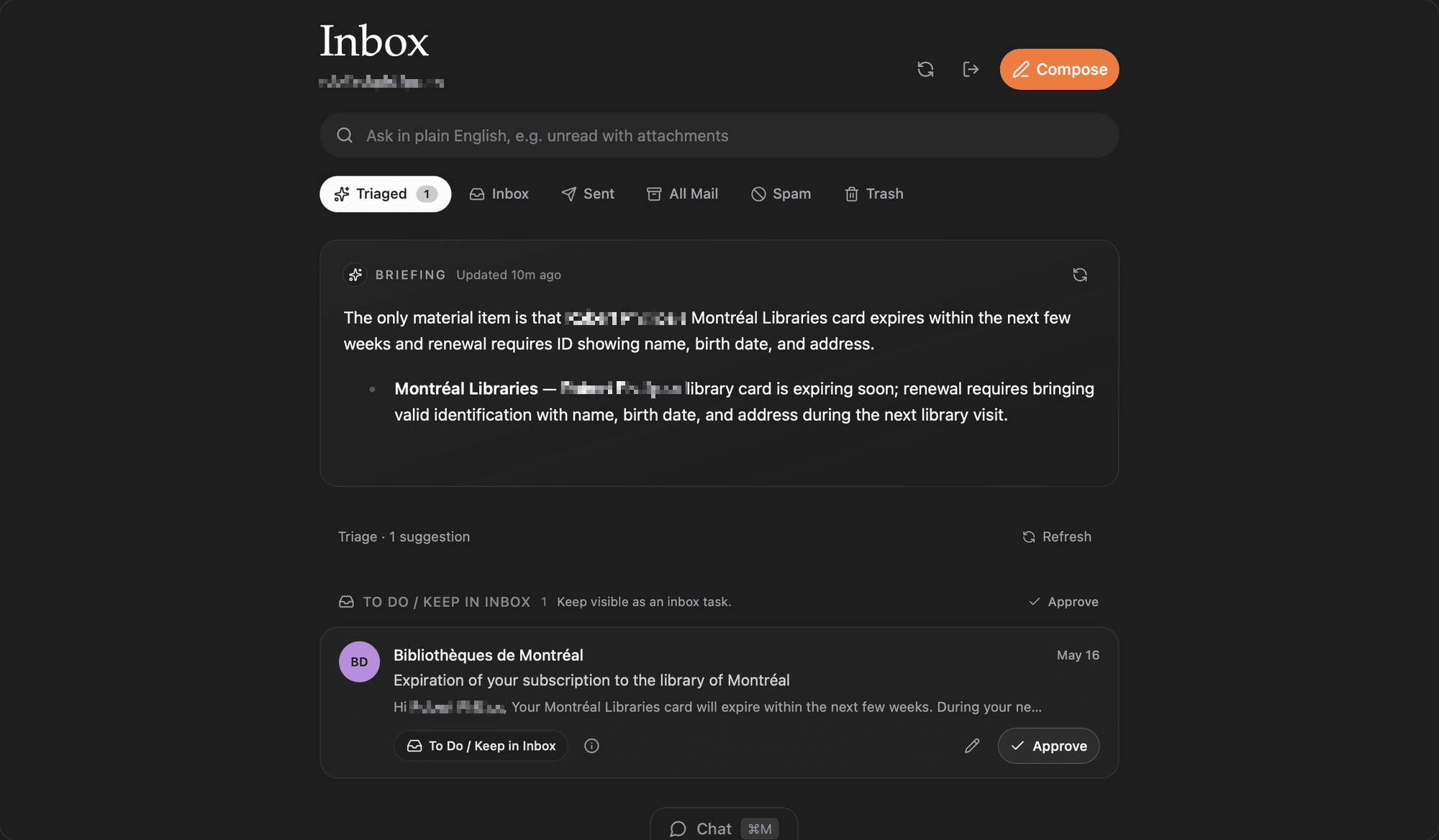
Open Mail and connect the Gmail account you want to manage. Your inbox becomes a fast, focused workspace inside Moldable.
2
Make triage fit your day
Ask Moldable to surface the messages that match your real priorities instead of working through everything in arrival order.
Show unread messages from people I have replied to before, group newsletters separately, and put anything mentioning an invoice or deadline at the top.
3
Act without losing your place
Search, read, reply, archive, and move through messages with the keyboard. Ask for another view whenever your workflow changes.
Create a waiting view
Add a view for threads where I sent the latest message and am waiting for a response.
Focus on customers
Create a saved view for messages from customer domains that have not received a reply.
4
Keep the useful parts
Mail stays useful because it reflects your habits. Keep the views that save time, remove the ones that do not, and reshape it by asking.
Ready to build your own?
Download Moldable and start creating apps that work exactly the way you want.
Download Moldable