

Visualize a Room Makeover with AI
See new colors, furniture, and finishes in your real space before spending money on them.
Author:Moldable
Category:Graphics & Design
Photo redesignsStyle presetsBefore-and-after compare

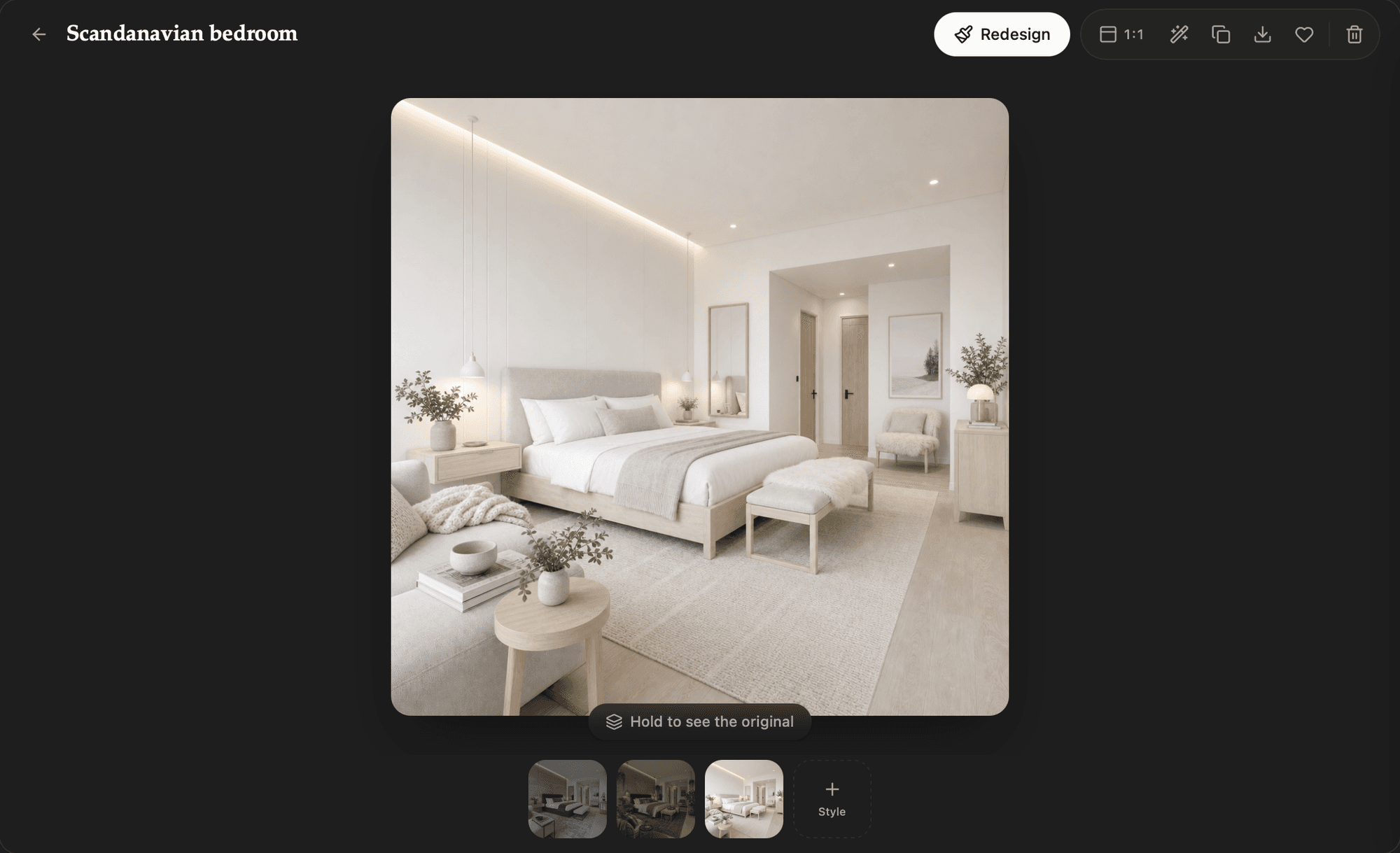
1
Start with the real space
Add a photo and say what must stay. Redecorate uses it as the basis for each direction you explore.
Redesign this living room in a warm modern style. Keep the windows, fireplace, floorplan, and blue sofa unchanged.
2
Explore without committing
Try a preset or request one targeted edit, then branch from any version you want to keep exploring.
Test paint colors
Make three versions with warm white, muted sage, and deep blue walls. Change nothing else.
Try a material
From the sage version, replace the coffee table with a light oak table of the same size.
3
Compare the keepers
Keep every render with its source, compare it with the original, and download the options worth sharing.
Prepare a shortlist
Favorite the three versions I marked, move them into a Living Room Shortlist folder, and keep the originals with them.
Explore the exterior
Use this front-of-house photo to show darker trim and native landscaping while preserving the facade.
Ready to build your own?
Download Moldable and start creating apps that work exactly the way you want.
Download Moldable