

Calculator
Moldable
Everyday, scientific, and unit/currency calculator with history
About
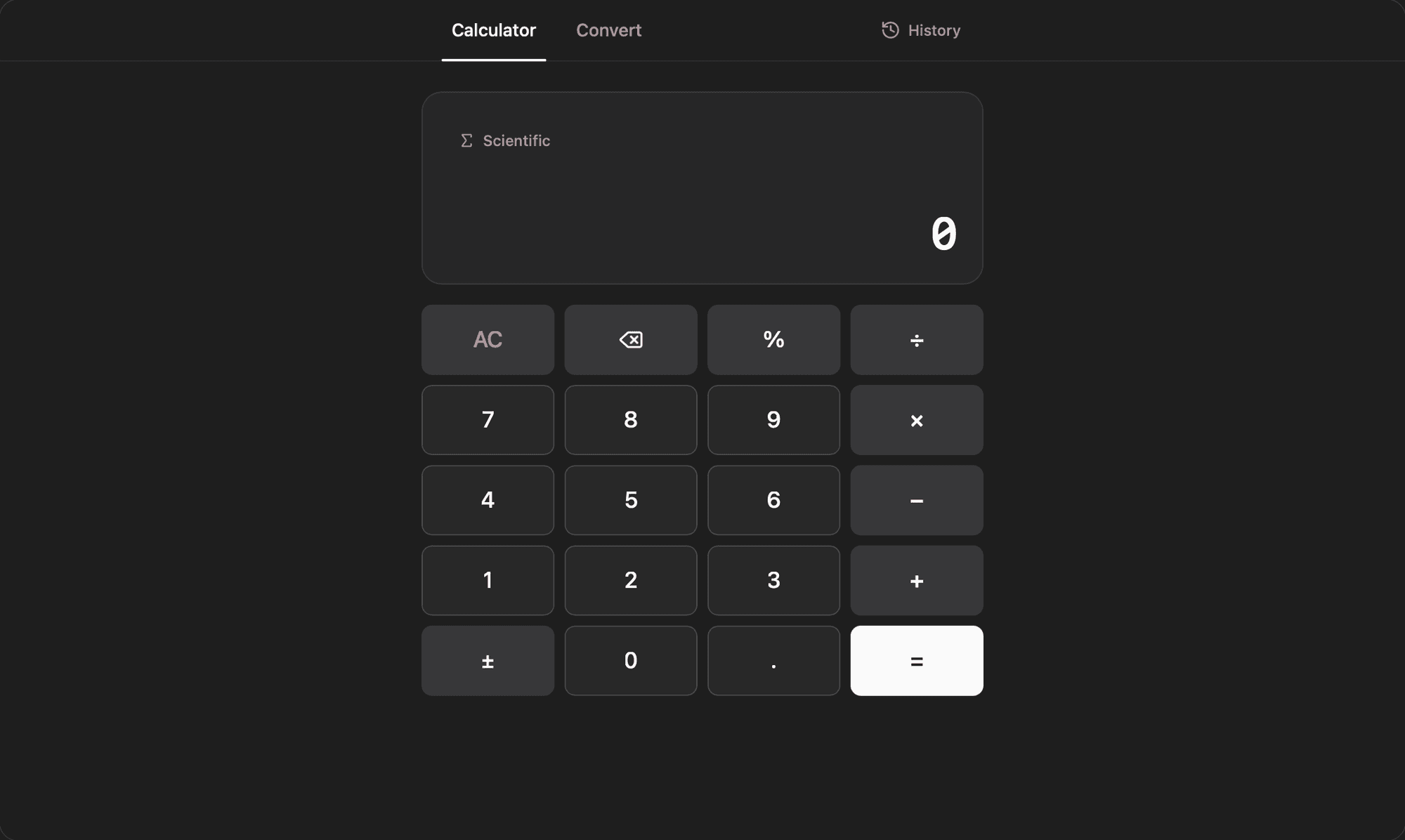
A fast, local-first calculator that handles everyday arithmetic, scientific math, and unit and currency conversions in one window, and remembers every calculation you run. Expressions are parsed by a safe built-in evaluator, so nothing you type ever touches the host environment.
Highlights
- Calculator and Convert modes sit side by side as tabs, with History in a slide-over panel you can open from either one
- Flip on the Scientific keypad for sin/cos/tan, ln, log, square root, powers (x², xʸ), factorial, reciprocal, exp, parentheses, and the constants π and e, with a DEG/RAD toggle for trig
- Type on your physical keyboard, including digits, operators, percent, Enter or "=" to evaluate, Backspace, and Escape to clear, and watch a live "= result" preview update as you go
- Convert across eight categories — length, mass, temperature, volume, area, speed, data, and time — plus currency, with a one-tap swap button and a Save to history action
- Currency conversion pulls live exchange rates, caches them on your machine, and shows a "Live rates" badge with the date so you know how fresh they are
- Browse a single timeline of every calculation and conversion, search it by expression or result, tap any entry to drop it back into the keypad, and delete one entry or clear them all
Everything stays on your machine in your active workspace, with no accounts to create. Install it for a quick, capable calculator that keeps a searchable record of your math.
Get this app
- 1. Download and open Moldable.
- 2. Open the Store and install Calculator in one click.
- 3. It updates itself over time — nothing to maintain.
More apps

Artifacts
Turn a chat into a beautiful, self-contained, publishable web page or slide deck — dashboards, landing pages, specs, charts, data stories, games, and 3D scenes.

Affirmations
Daily affirmations across ten themes, saved to your favorites

Bookmarks
Save on X. Find it here.

Calendar
Your Google Calendars, one clean month view and daily agenda