


Code
Moldable
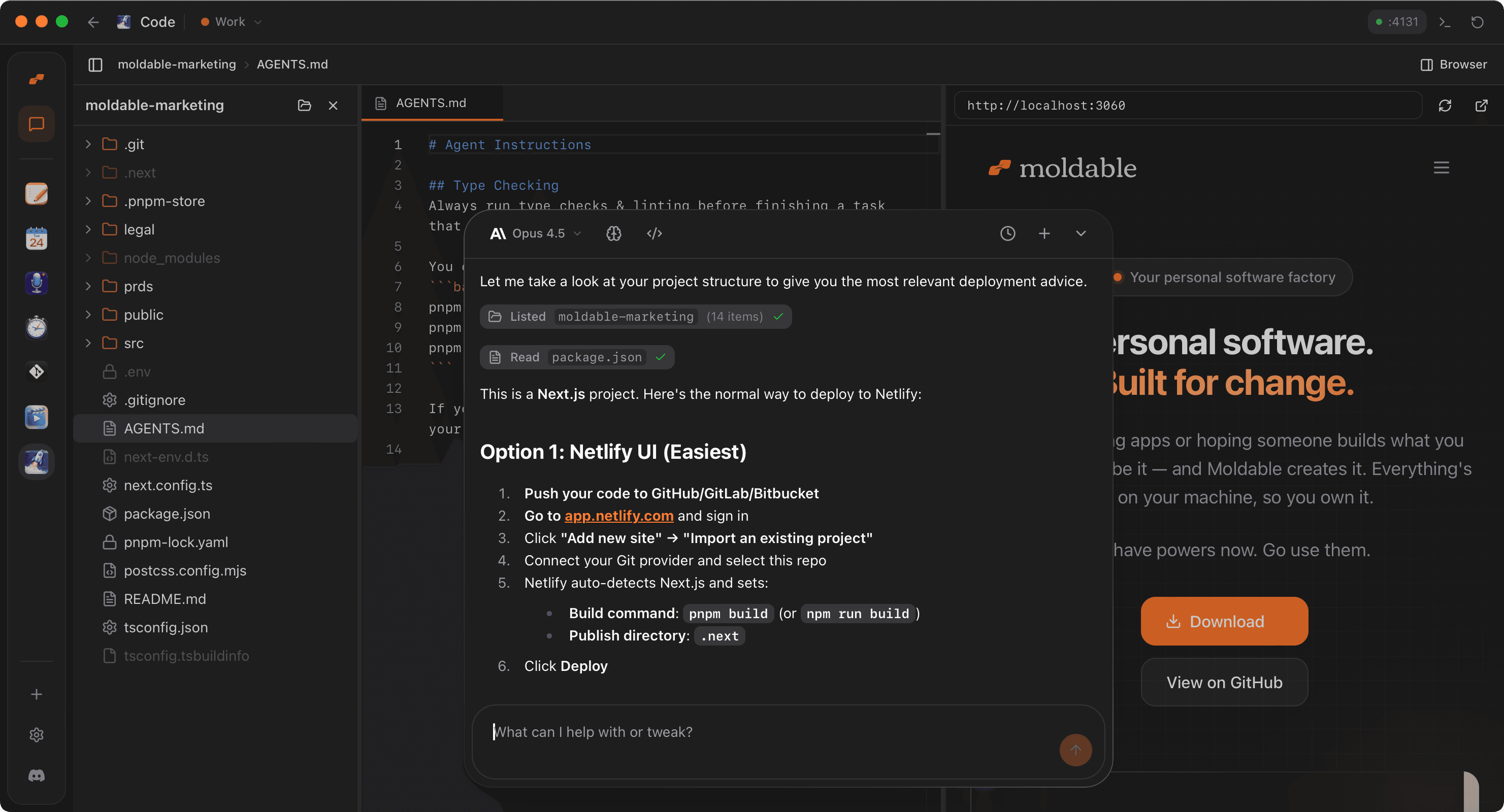
A lightweight, VS Code-like IDE for exploring and editing local codebases with integrated AI context and browser preview.
About
A lightweight, VS Code-style IDE for browsing and editing your local codebases, with a Monaco editor, a live browser preview panel, and an AI-readable project context all in one window.
Highlights
- Full Monaco editor with syntax highlighting, bracket-pair colorization, indentation guides, word wrap, and ⌘S to save.
- ⌘P command palette for fast fuzzy file search across the whole project, respecting your
.gitignore. - Multi-tab editing with unsaved-change indicators, plus a file tree that dims ignored files.
- Live browser preview panel that loads your local dev server (e.g. localhost:3000), with refresh, navigation, and open-in-browser.
- Built-in image preview with zoom and reset, so assets open inline alongside your code.
- Recent projects and remembered tabs, so reopening a folder restores exactly where you left off.
- AI-ready project context: exposes a
code-editor.projectAPI letting agents get the current root, list, search, and read files through the app.
Runs fully local on your machine with no external accounts or API keys required. Install it for a clean, fast place to read, edit, and preview code without leaving Moldable.
Get this app
- 1. Download and open Moldable.
- 2. Open the Store and install Code in one click.
- 3. It updates itself over time — nothing to maintain.
More apps
Artifacts
Turn a chat into a beautiful, self-contained, publishable web page or slide deck — dashboards, landing pages, specs, charts, data stories, games, and 3D scenes.

Affirmations
Daily affirmations across ten themes, saved to your favorites

Bookmarks
Save on X. Find it here.
Calculator
Everyday, scientific, and unit/currency math — with history