

Build a World Clock and Multi-Timer App
Keep focus timers, recurring alarms, and the people you work with in one private clock.
Author:Moldable
Category:Utilities
Multiple timersWorld clocksRepeating alarms

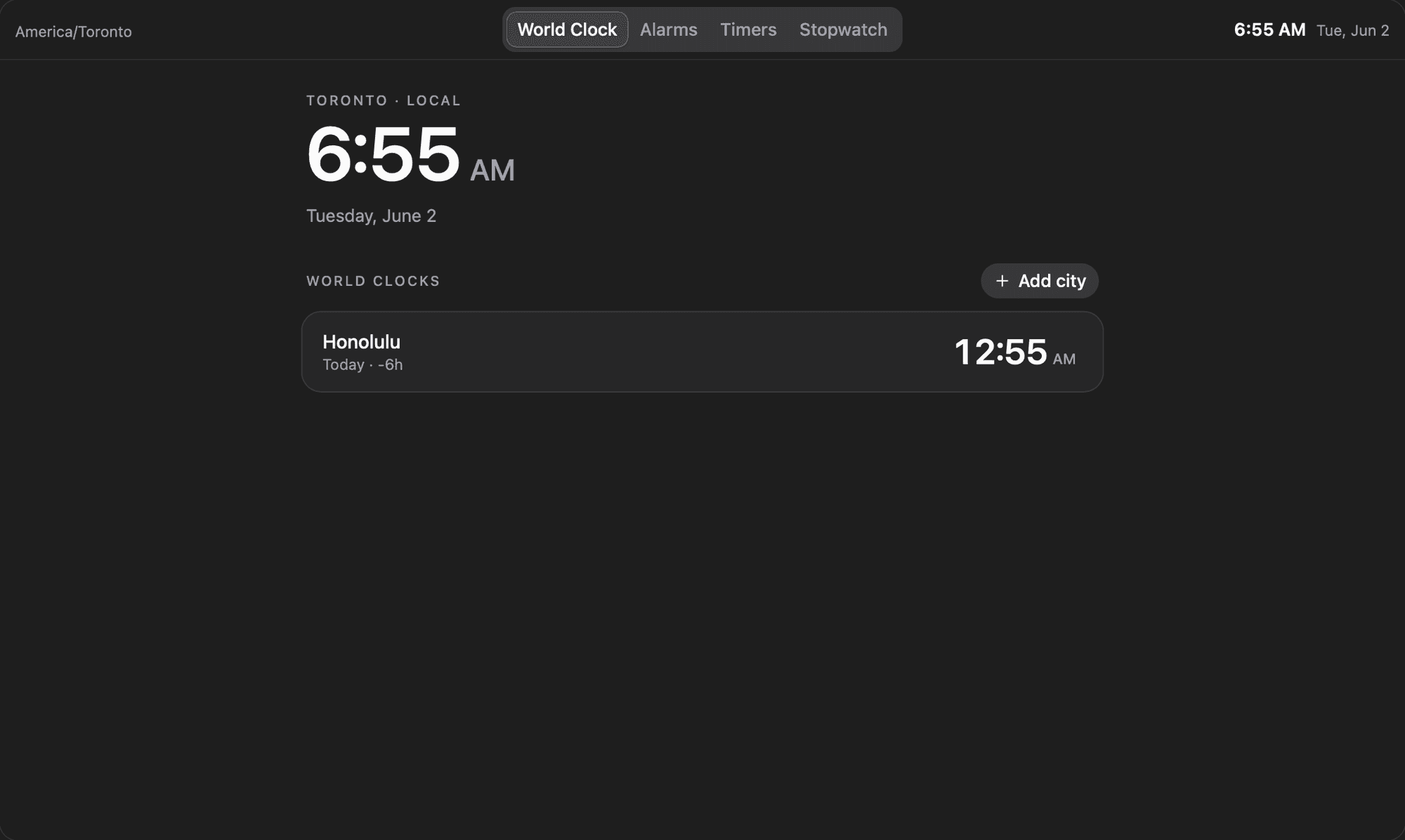
1
Set up time around your day
Start with the cities, routines, and countdowns you actually use. Clock supports several timers at once and keeps its settings in your local workspace.
Customize Clock for my remote workday:
- Show Toronto, London, and Tokyo with working-hour overlap
- Add 25-minute focus and 5-minute break presets
- Create a weekday alarm labelled Daily planning
- Keep the stopwatch and lap times available for workouts
2
Turn routines into shortcuts
Shape the controls around your habits so starting a focus block or checking a teammate's local time takes one action.
Add a focus sequence
Add a shortcut that runs three 25-minute focus timers with short breaks between them
Protect quiet hours
Show a quiet-hours warning when I am about to schedule time outside a teammate's workday
3
Let other apps use time
With your approval, other Moldable apps can check upcoming alarms or start a timer. That makes Clock a useful building block for broader routines.
Ready to build your own?
Download Moldable and start creating apps that work exactly the way you want.
Download Moldable