

Build a Personal EPUB Reader
Keep an EPUB and text library on your Mac, tune the reading experience, and add the study tools that matter to you.
Author:Moldable
Category:Reference
EPUB and textFlexible typographySpeed reading

1
Build your library
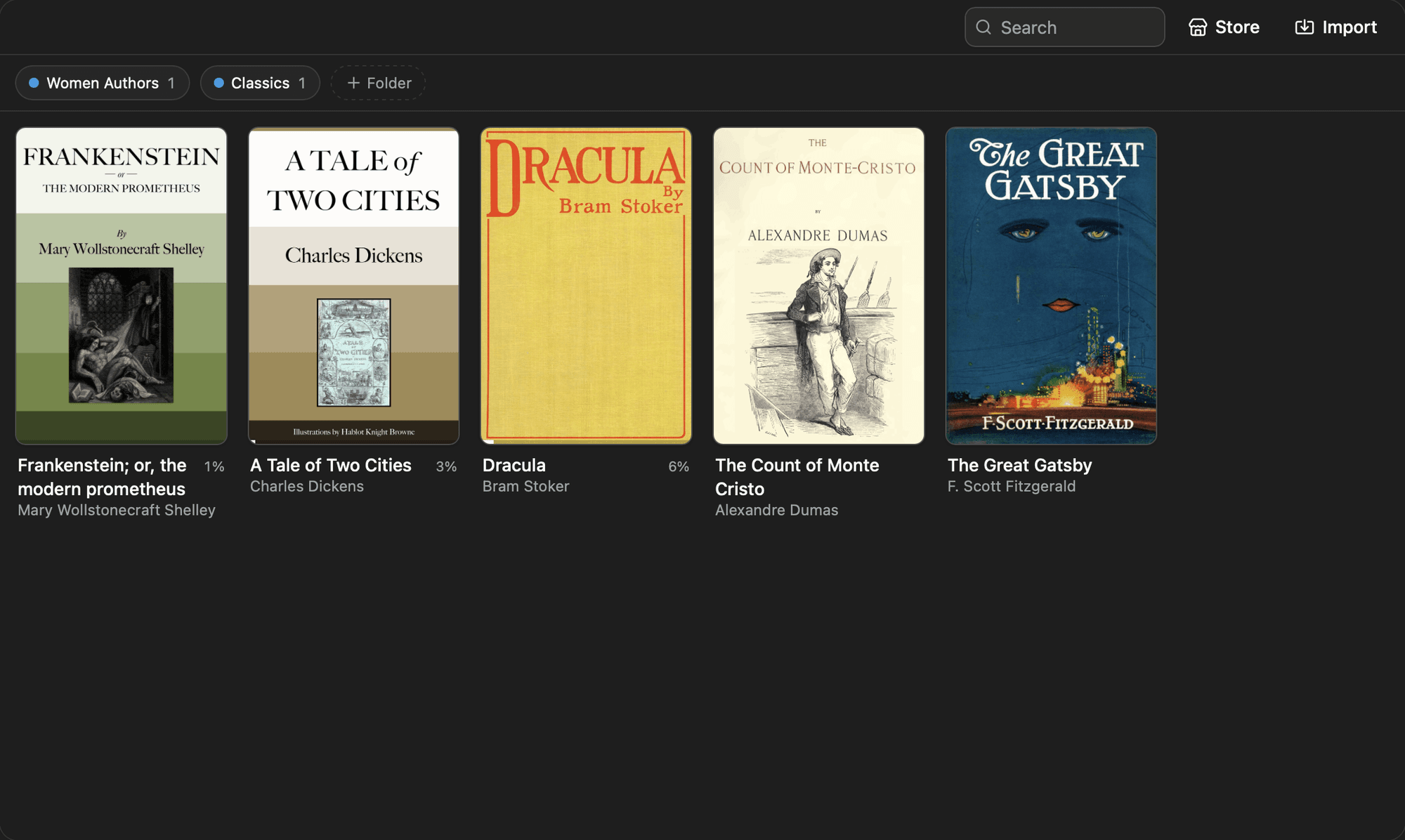
Drop in EPUB or text files, group them into folders, and pick up from your saved place whenever you return.
Set up Reader for my research library. Create folders for "To read," "Sources," and "Finished," then sort the main shelf by most recently opened.
2
Make reading comfortable
Choose paged or scrolling layout, then tune the typeface, theme, text size, line height, and content width.
Create an evening preset
Add an evening preset using the Night theme, larger text, and a narrower reading column
Improve accessibility
Use OpenDyslexic by default and increase line spacing without changing headings
3
Read your way
Search a book and jump back to where you were, or use RSVP mode when you want a focused word-by-word pace.
Tune speed reading
Set RSVP to 280 words per minute with longer pauses after sentences and three words at a time
Add study tools
Let me highlight a passage, attach a note, and review all notes for a book in one panel
4
Keep the books yours
Your imported books, reading position, folders, and preferences remain in your Moldable workspace. Reader does not require an account.
Ready to build your own?
Download Moldable and start creating apps that work exactly the way you want.
Download Moldable