

Learn Piano Songs with MIDI
Turn any MIDI file into a focused practice plan you can slow down, repeat, and shape around the way you learn.
Author:Moldable
Category:Music
Falling-note practiceAdjustable speedLocal library

1
Start with your song
Import a MIDI file or ask Moldable to add a piece to your library. Tell it what you can play today and what keeps tripping you up.
Help me learn this song on piano. Add the MIDI file to my library, split the hands at middle C, and create a practice plan that starts at 50% speed.
2
Practice the difficult parts
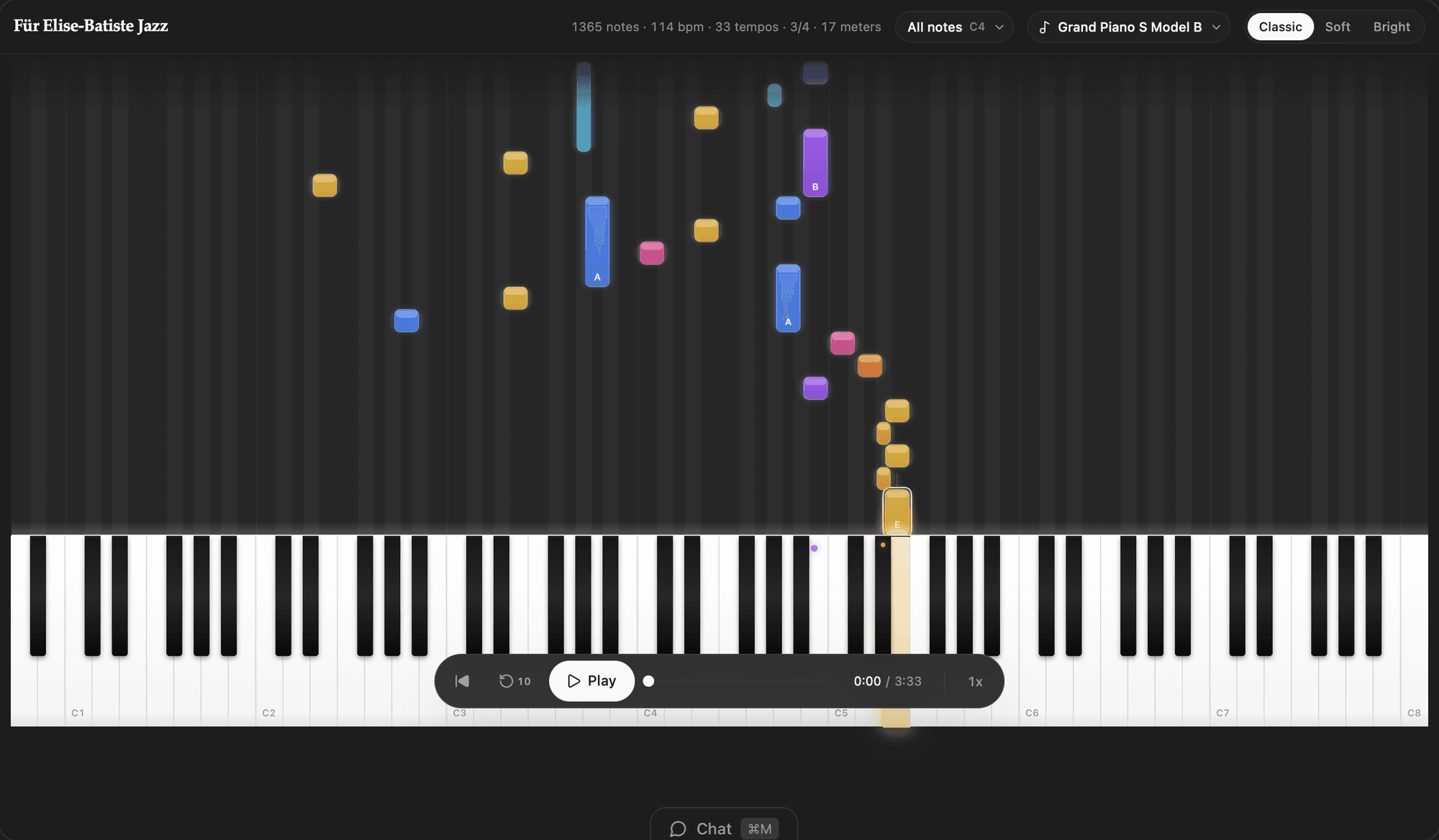
Use falling notes, hands-separate playback, scrubbing, and speed controls to work on a passage without restarting the whole song.
Make a drill
Create a short practice section for measures 17–24 and have it start at 40% speed
Focus on one hand
Set this lesson to right hand only, then add the left hand after three clean runs
3
Make the routine yours
Ask for the structure that keeps you practicing, whether that is smaller lessons, saved milestones, or a simpler screen.
Add a daily plan
Add a 15-minute daily practice view with warm-up, trouble passage, and full-song sections
Track confidence
Let me mark each section as learning, comfortable, or performance-ready
4
Keep it private
Your songs, settings, and progress live in your Moldable workspace. Piano does not require an account or API key.
Ready to build your own?
Download Moldable and start creating apps that work exactly the way you want.
Download Moldable